Blog post
The Hooks Behind a Smart Autocomplete Search
useRef, useLayoutEffect, useCallback: when and why each one earns its place, by building a debounced, flicker-free search.
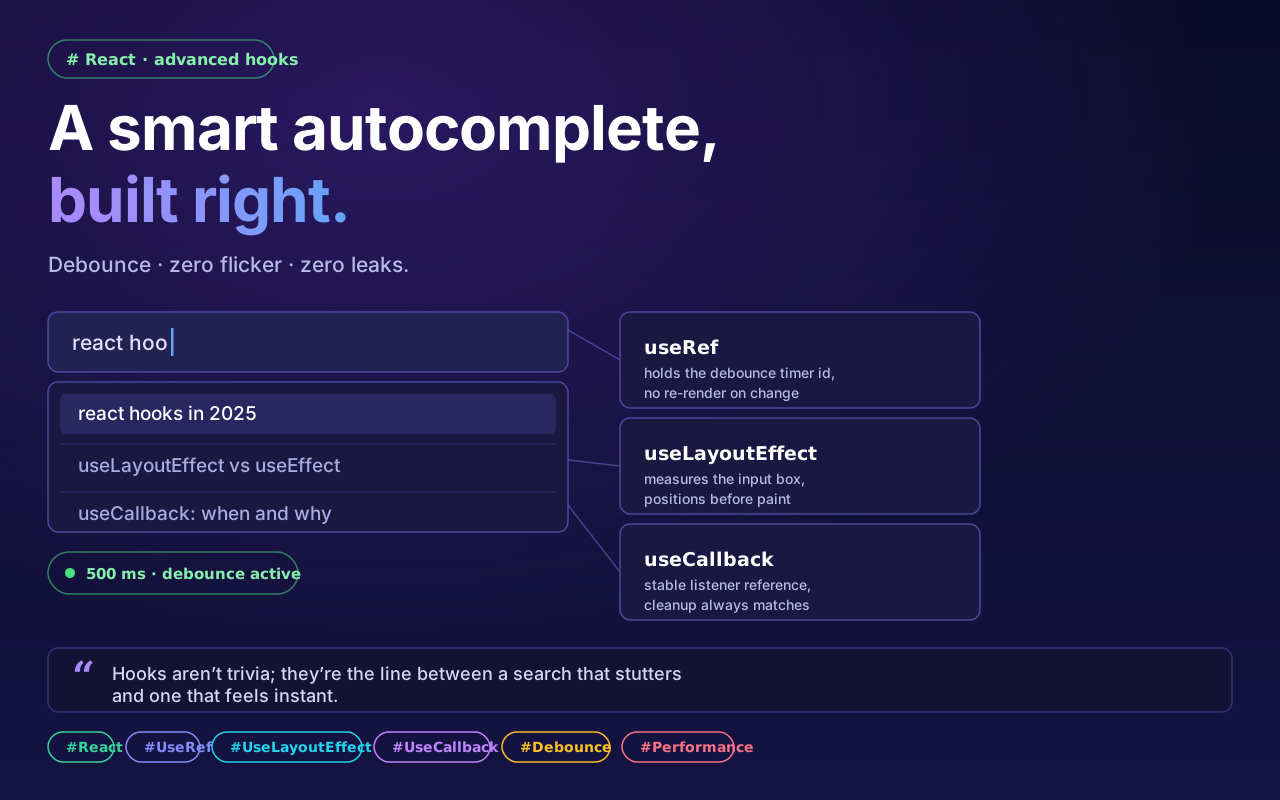
Many of us know about React’s useRef, useLayoutEffect and useCallback, but a good number of us are confused about exactly when and why each one has to be used.
Today we will see the practical use of these advanced hooks by building a smart auto-complete search engine.
The challenges
Debouncing: so thousands of API calls do not fire the moment the user types.
Zero-flicker UI: no visual flickering while positioning the dropdown.
Memory-leak prevention: event listeners cleaned up properly.
useRef: hold data without needless re-renders
When the user types fast, we set a timer (a debounce). If that timer ID lives in useState, the entire component re-renders every time the timer changes, which is exactly what we do not want.
Solution: we store the timer ID in useRef, outside the render cycle. That gives the performance boost.
useLayoutEffect: dropdown positioning (visual precision)
A plain useEffect runs after the browser has painted the screen. So the dropdown first appears in the wrong place and then jumps to the right one (visual flicker).
Solution: with useLayoutEffect, just before the browser updates the screen, we measure the input box with getBoundingClientRect() and set the dropdown’s position; the user sees a perfect position with no flicker at all.
useCallback: preventing memory leaks
To close the dropdown when clicking outside it, we use an event listener on window. addEventListener and removeEventListener work by matching function references. If the function is created fresh on every render, the cleanup-time removeEventListener cannot remove the earlier listener. Unneeded listeners pile up as a result, and bugs like the handler firing multiple times appear.
Solution: wrapping the function in useCallback keeps its memory reference fixed, which does not allow a memory leak. Then useEffect’s cleanup removes exactly that same function, and the event listener’s lifecycle is maintained correctly.
React is not just about writing code: how optimized that code is, is what sets one developer apart.